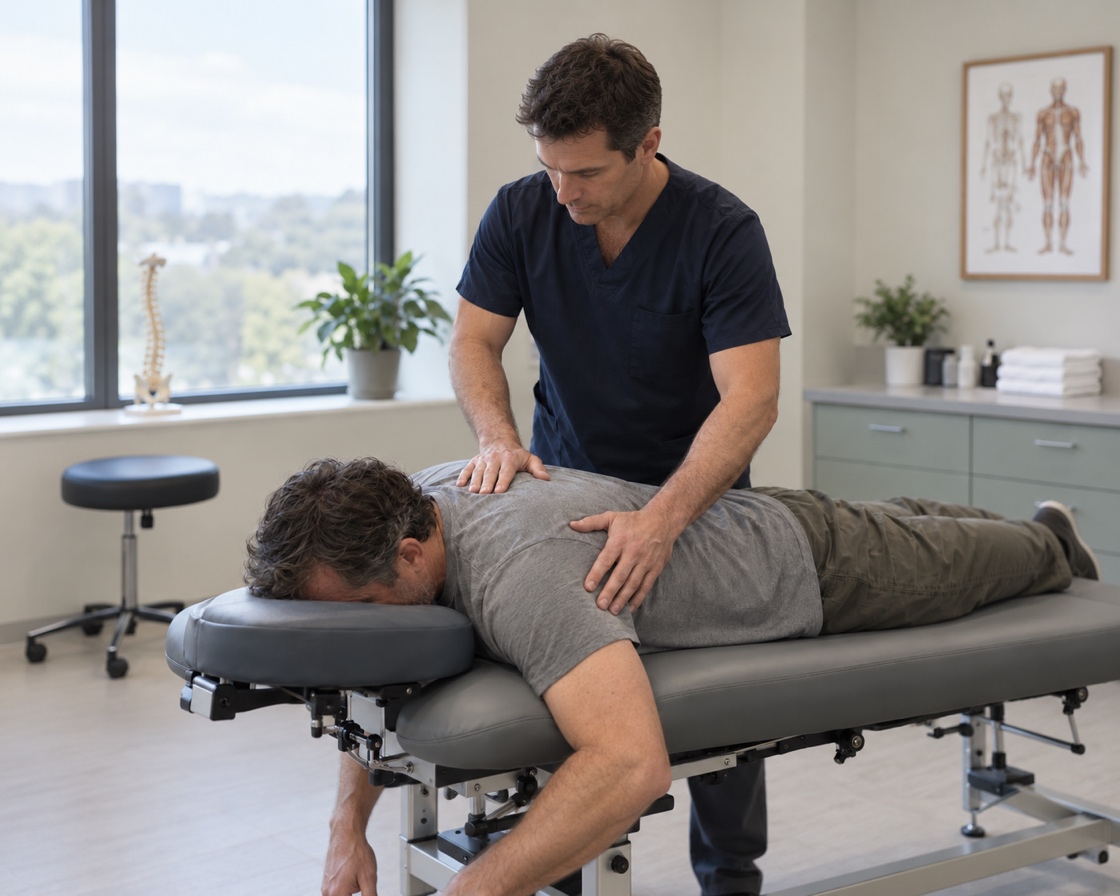
Osteopathic Manipulation: Hands-On Care for Pain, Headaches, and Overuse Injuries

Osteopathic Manipulation targets the musculoskeletal system but has a profound effect on your entire biological framework.

Request an appointment

What Osteopathic Manipulation Is Used to Address

Osteopathic Manipulation targets the musculoskeletal system but has a profound effect on your entire biological framework. It is frequently utilized to address:

  • Chronic and Acute Pain: Highly effective for reducing pain in the neck, back, shoulders, and joints without relying on surgery.
  • Headaches & Migraines: Eases the muscle tension and structural restrictions that trigger chronic headaches.
  • Overuse Injuries: Relieves discomfort from carpal tunnel syndrome, tennis elbow, and repetitive strain.
  • Systemic Conditions: Complements standard medical care for issues like asthma, sinus congestion, and digestive problems by improving blood flow and lymphatic drainage.

Considering your care options

Your options depend on the diagnosis, medical history and previous care. The clinical team reviews your symptoms and goals to help determine which evaluations or treatments may be appropriate.

Recovery and follow-up

Recovery and follow-up depend on the condition, any treatment selected and your individual circumstances. If treatment is recommended, the clinical team can explain preparation, activity considerations and the follow-up plan relevant to your care.

What your consultation covers

Your consultation covers the diagnosis or questions that need further evaluation, your history and prior treatment. The team can discuss available options, the available evidence, potential benefits and limitations, risks and alternatives, and the next steps in your care.

Request an Appointment

Contact our team to discuss your consultation. In-person and virtual visits are available.

4.91 stars across 1,836 patient reviews

BLUETAIL MEDICAL GROUP

Make yourself comfortable.

Reading and accessibility preferences, your way.

Saved on this device

A comfortable starting point

Select a preset to turn it on. Select it again to undo its changes.

Text size

100%

Appearance

Font and spacing
Focus and reading tools

Move your pointer, tap a passage, or use Previous and Next in the reading toolbar.

Button and privacy options

Reopen these settings from Accessibility preferences in the page footer.